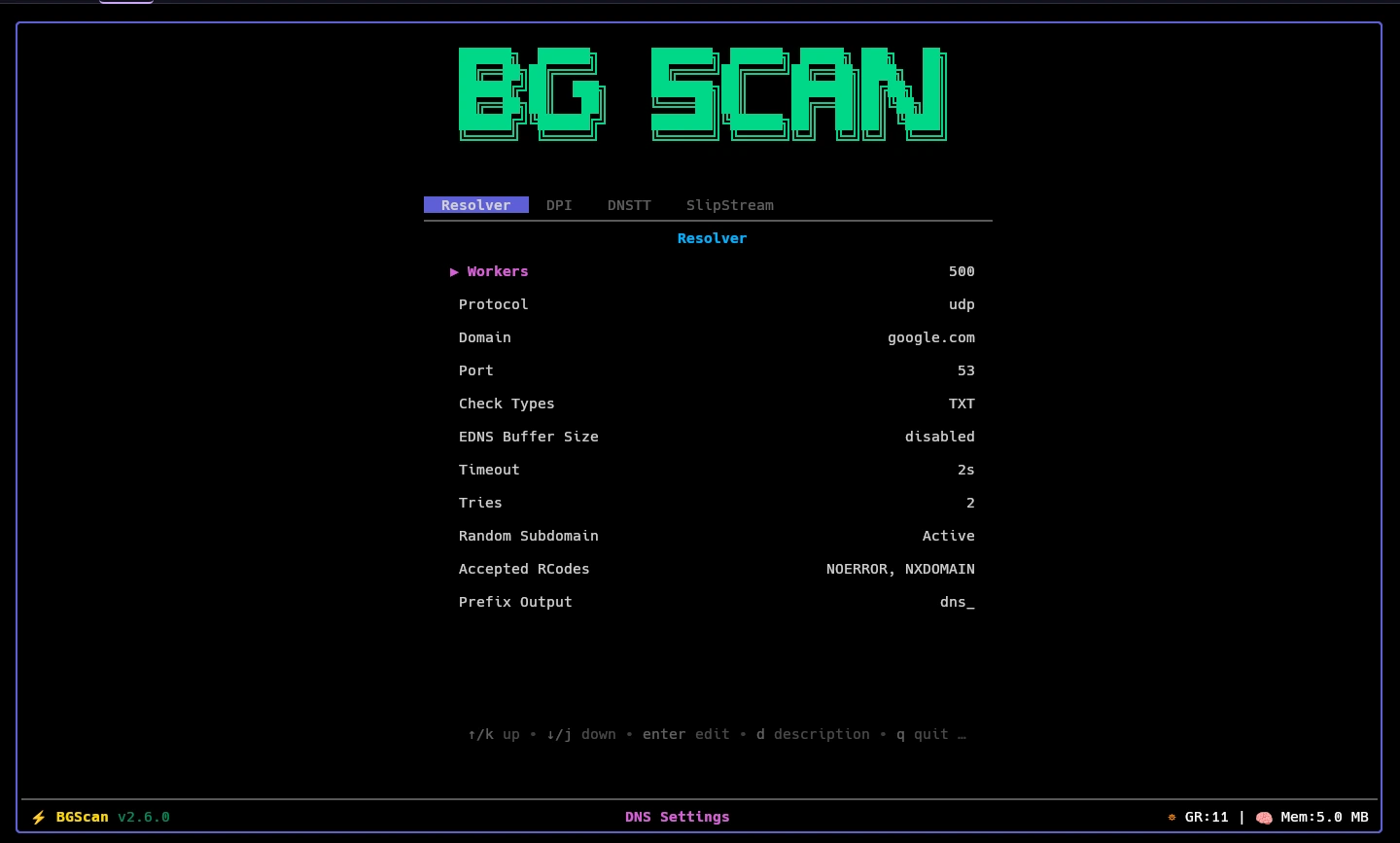
Settings Inspector#
When you open any settings section from the in-app Settings menu, you see the inspector. It is a tabbed field list with labels, current values, and edit affordances.
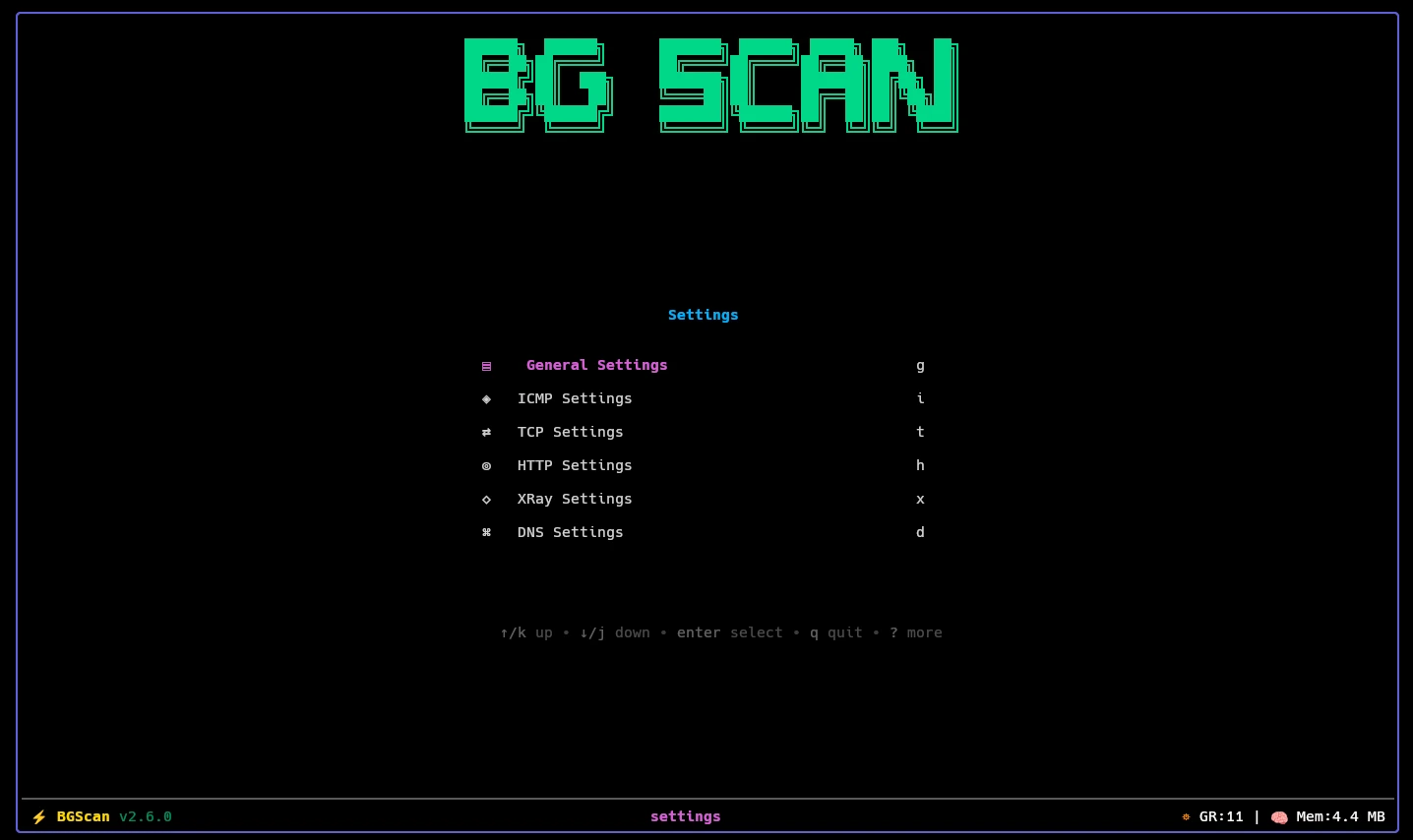
- select fields and press
Enterto change them - press
dto view the description/help text for the selected field - booleans show as toggles
- some protocols expose extra fields only when the mode is selected
Changes are saved immediately to disk without restarting the scanner.