Scan Source#
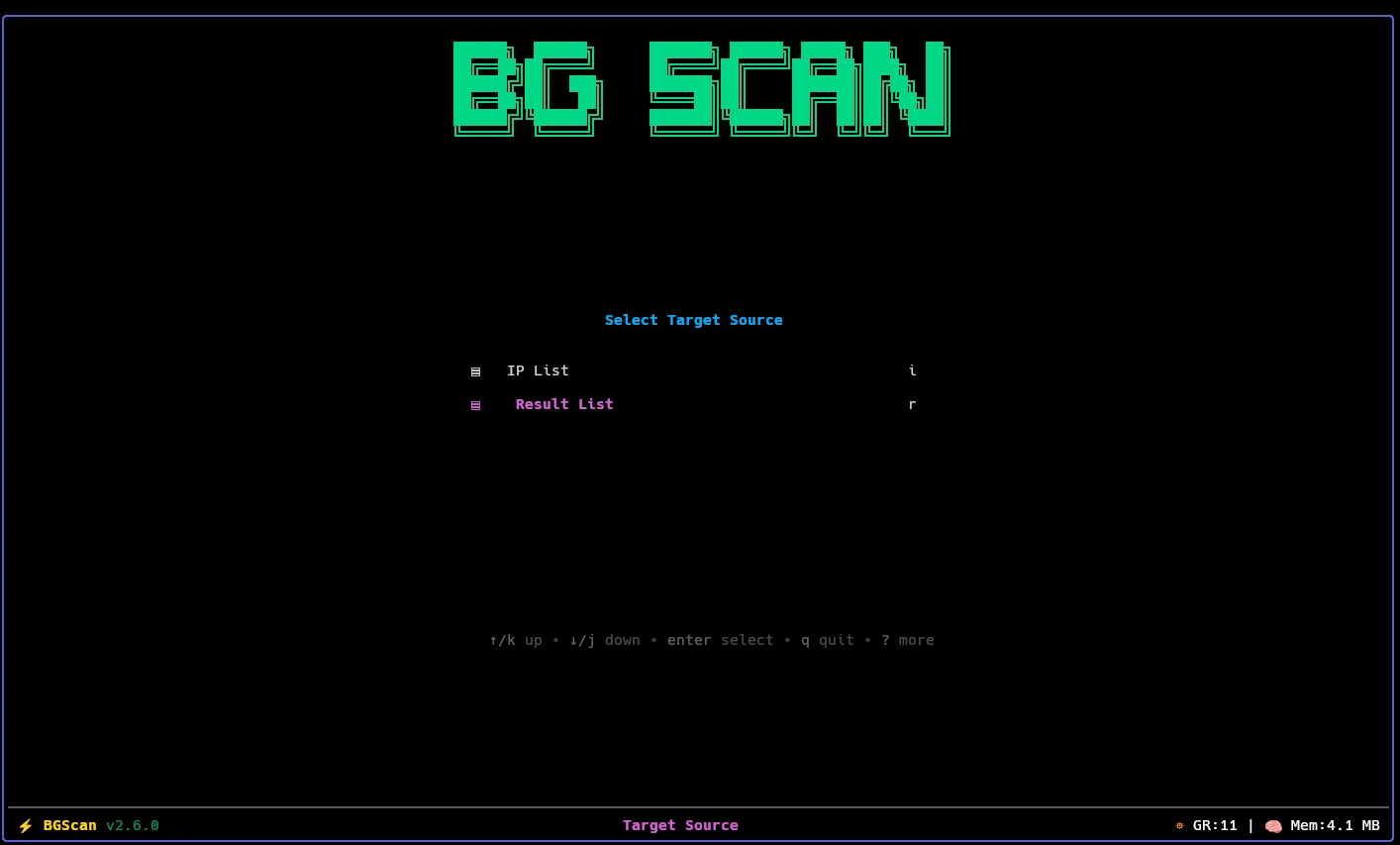
Before configuring a scan, bgscan asks you to choose where the target IPs come from. Navigate to Main Menu → Scan to open the source picker, which presents two options:
| Key | Option | Description |
|---|---|---|
i | IP List | Pick from your imported IP list files |
r | Result List | Pick from a previous scan’s result file |
IP List#
Choosing IP List opens your IP file browser. Select any file from the ips/ directory and bgscan will use its enabled entries as the scan targets.
Use this when you want to scan a fresh set of IPs — for example, a CDN range, a country block, or a custom list you imported.
See IP Files for how to import and manage IP list files.
Result List#
Choosing Result List opens your result file browser. Select any previously saved result file and bgscan will re-scan the IPs it contains.
Use this when you want to run a deeper or different scan type against IPs that already passed an earlier stage — for example, running an Xray scan on IPs that passed an ICMP pre-scan.
See Result Files for how result files are organized.
Next Step#
After selecting a source file, bgscan moves you directly to Scan Type selection where you choose which probe to run against those targets.
See Scan Types for details on each available scan type.